In term 4, 2021, I was asked to explore creating how-to videos for our students in the LLND Support department at CIT. We found that students were getting critical information too late, sometimes a week after the beginning of the course, so we decided to create some videos on introductory type information such as logging into the LMS, finding your way around a course, how to do the LLN quiz and activating their Office 365 account. I first recorded audio voice overs and then recorded screen captures using Camtasia Studio to match my voice recordings. The workflow of recording screen captures and audio separately seemed to work well because nailing the content that needed to be covered in an audio recording gave me a solid base to then record video screencasts that matched the content. I templated the intro and thumbnail to give a consistent look and feel for all other how-to videos. I also experimented with using background music for one video to see whether this could add a little something to one of the longer videos so it wasn’t so dry and monotonous.
Below is an example of one of these how-to videos.More posts

Ed-Tech Symposium 2022
Find out about how I adapted traditional resources into highly interactive learning activities using H5P's Course Presentation & Interactive Book.

Casual Conversation Topics - Listening and Speaking
A post illustrating a learning activity built with H5P's Interactive Book for my EAL students on starting and maintaining casual conversations.
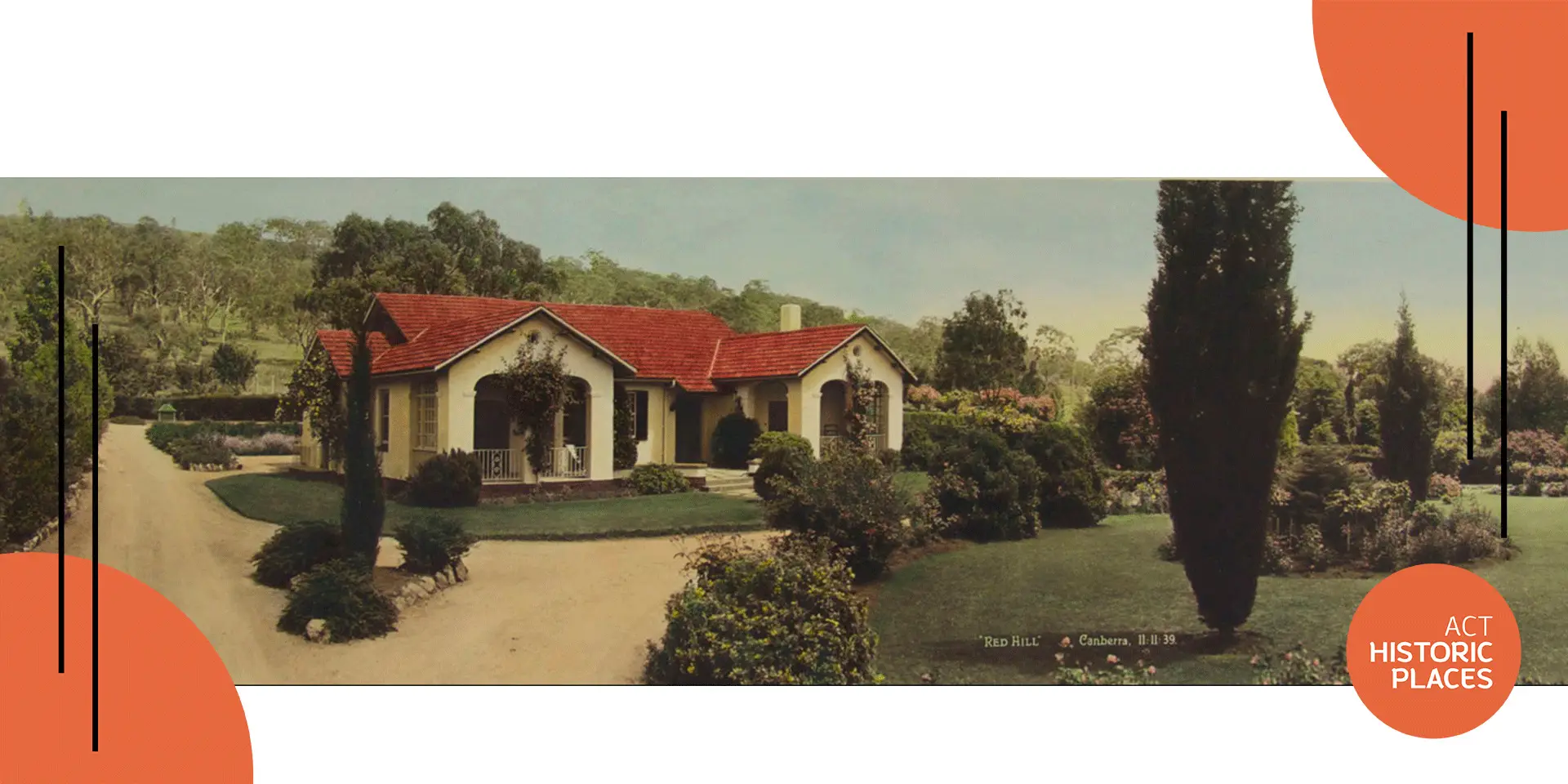
ACTHP Learning Module | Artefactchat | Calthorpes' House
Find out about how I used H5P's Course Presentation tool to build learning for ACT Historic Places.